

A mobile app can make gold market research convenient, but an attractive interface does not establish that the underlying product is safe or suitable. A trading app may display another company’s price feed, connect to a separate legal broker, or offer different instruments in different countries. A beginner should therefore evaluate the app, the account provider and the gold contract separately rather than accepting a top-five ranking or advertised deposit minimum.
1. Understand the three layers behind the phone
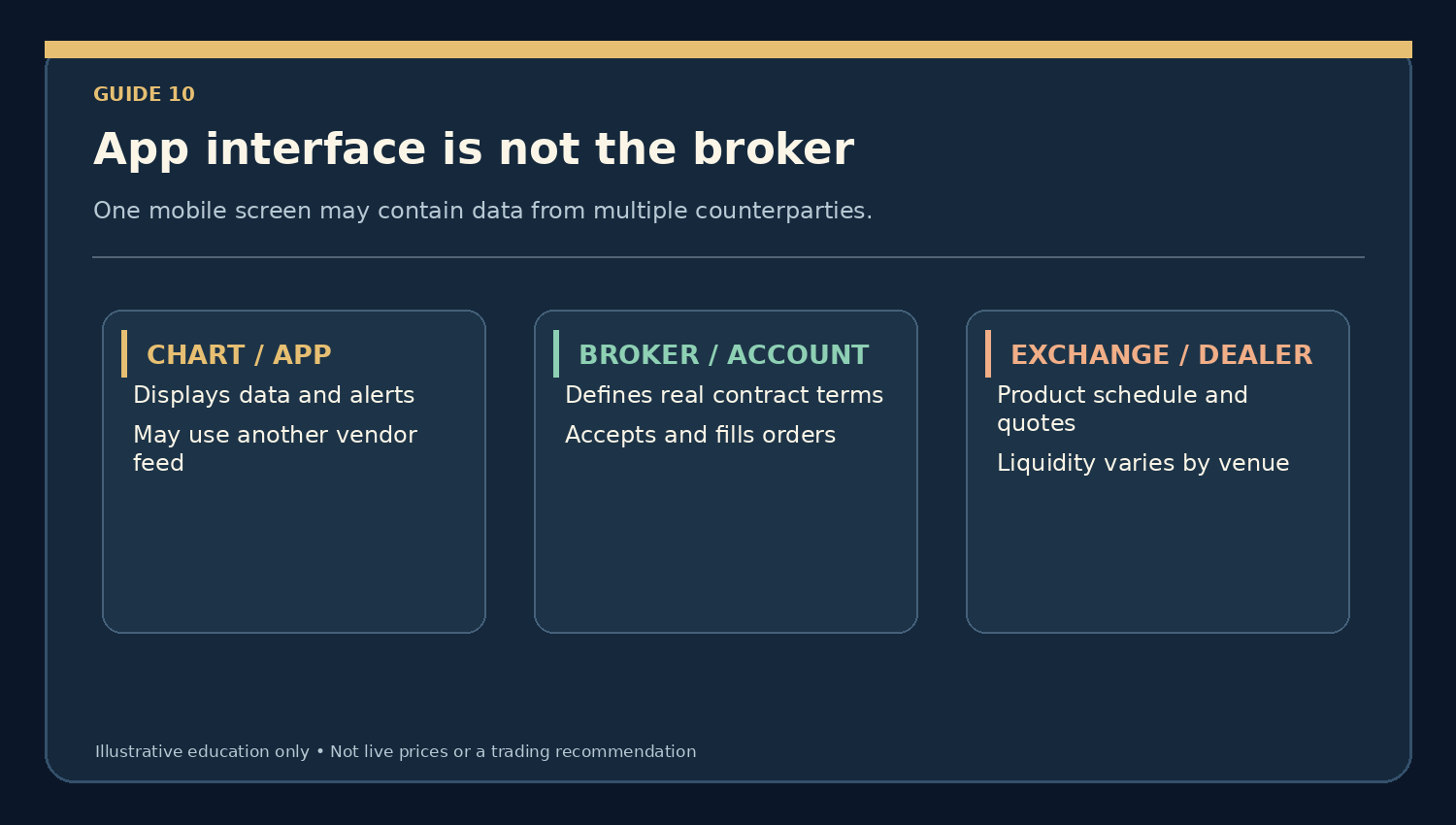
- Charting layer: displays indicators, price history and alerts that may come from a third-party feed.
- Broker/account layer: establishes the legal customer relationship and sets product sizes, commissions, margin and order policies.
- Market/exchange or dealer layer: supplies the relevant trading venue or dealing quote; execution depth and hours depend on the product.
An OTC gold CFD on a mobile platform does not convey ownership of a bar. A gold ETF purchased through a securities account has different rights and costs; listed futures use exchange-defined contract sizes. The same app may display more than one of these products.
2. Compare functionality without assuming profitability
Helpful app features include legible bid and ask quotes, clearly labelled market and pending orders, downloadable trade confirmations, contract specifications, cost disclosures, and a way to cancel unwanted instructions. Chart themes, badges and social-feed popularity should not outweigh those essentials. A demo mode can teach navigation but does not prove that live fills will match simulated results.
3. Mobile notifications are not execution guarantees
A price alert may arrive late because of network disruption or the device’s notification settings. The price shown on the chart may already differ from the broker’s current ask or bid when the user opens the app. A market order can be delayed, rejected or filled at a less favourable price. During news releases, dealing spreads can widen and stop triggers may fill beyond the intended level.
4. Four practical mobile failure scenarios
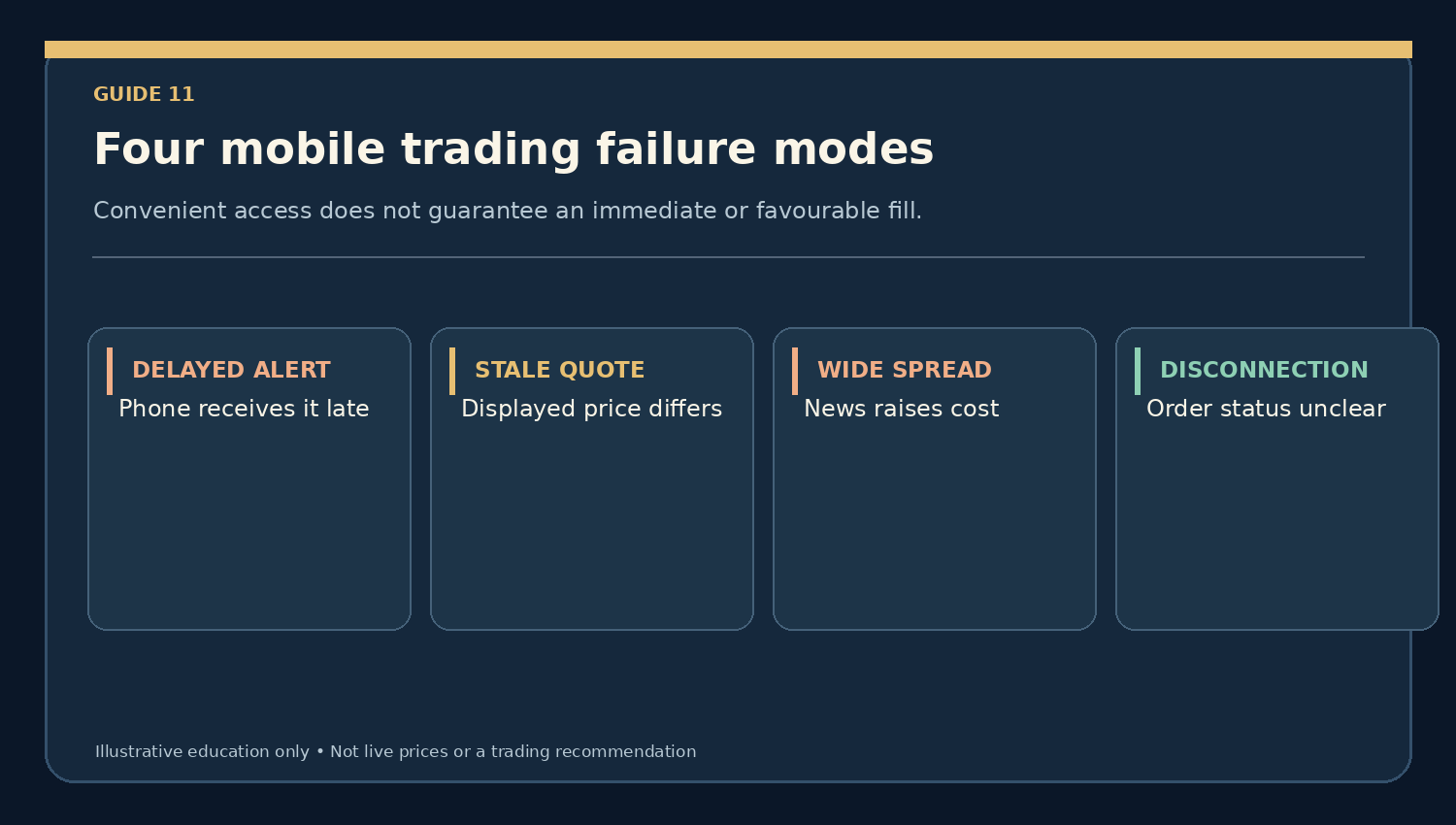
- Delayed alert: a notification is delivered several minutes after the price has moved.
- Stale chart: a data feed temporarily disconnects while the broker quote continues changing.
- Widened spread: the displayed price looks close to a signal, but the cost of crossing bid/ask has increased.
- Uncertain order state: poor connectivity leaves the user unsure whether an instruction filled. Check the account confirmation before resubmitting.
5. Do the position-size arithmetic anyway
Suppose a hypothetical five-ounce gold CFD has bid $1,999.70/oz and ask $2,000.30/oz. The spread is $0.60 per ounce; an immediate round trip at unchanged quotes creates a $3 gross difference, before commissions. A $10-per-ounce adverse move adds $50 of gross price loss. A low mobile minimum deposit does not change the actual ounces represented by an order.
6. Verify the provider’s legal identity
In Singapore, check the company and relevant activities using the MAS Financial Institutions Directory. The Investor Alert List can provide warnings, but MAS says it is not exhaustive and warns that impersonators may misuse legitimate firms’ names. Verify the official contact details independently. A foreign regulator badge or an app-store listing is not proof of relevant authorisation.
7. App security is necessary but insufficient
Enable multi-factor authentication where supported, secure device recovery, install from verified official channels and check account statements. Read client money and dispute disclosures for the exact legal entity. ‘Negative balance protection’ or trade-loss refunds should never be treated as universal app features: contract eligibility, premium cost and jurisdiction can restrict them. Security does not remove market risk.
8. Treat copy trading and automated suggestions sceptically
Copying another person’s trades can reproduce their leveraged losses and execution differences. Automated bots may duplicate orders or keep trading when a feed is wrong. The CFTC warns that AI and automated trading products are sometimes sold with exaggerated return claims. Review independent complete performance evidence, all fees and conflicts of interest before considering paid signals.
A mobile app evaluation checklist
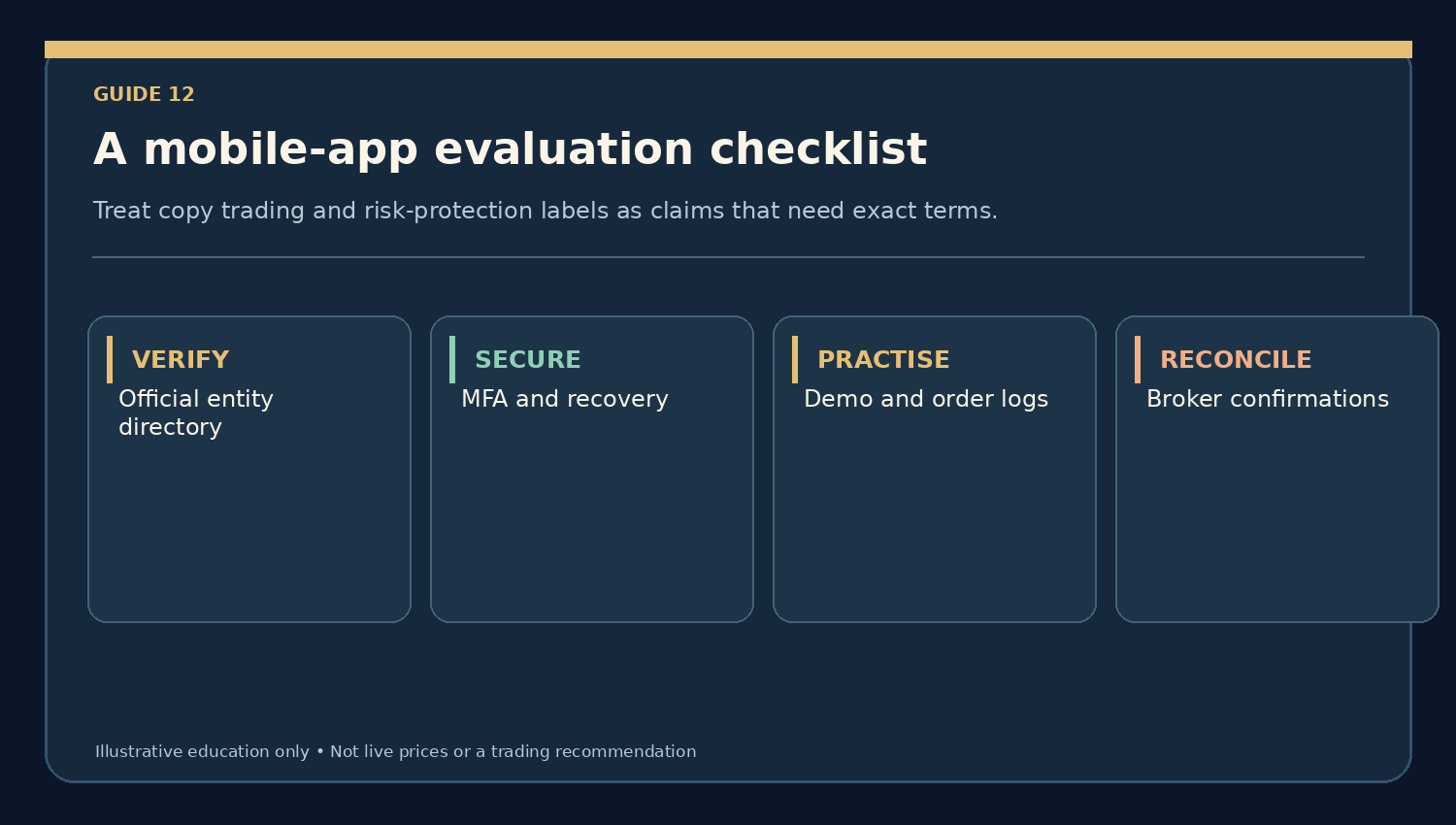
- Identify the precise legal broker or fund provider and its permission to serve your jurisdiction.
- Confirm the gold product, ounce quantity, bid/ask feed and working hours.
- Check spreads, commissions, financing, withdrawals and applicable protections.
- Practise order changes, cancellations and reconciliation without cash exposure.
- Test device security, backup access and what happens during an outage.
- Review provider terms for any copy-trading or protective feature.
- Reject an app that cannot make its contractual risks clear.
Frequently asked questions
- Is the best-looking gold app the safest? No; legal counterparty and product matter.
- Can I rely on push alerts to fill my order? No.
- Does copy trading reduce the need to understand margin? No.
- Is a $100 deposit evidence of low risk? No; calculate the actual position exposure.
Key takeaway
Choose a mobile app for verifiable functionality, transparency and order reconciliation, not popularity or advertised profits. Learning without opening a live position remains an entirely valid choice.
Related learning and official sources
- Start Gold Trading homepage
- Gold Trading Resources
- MAS — Financial Institutions Directory
- MAS — Investor Alert List
- MoneySense — Understanding CFDs
- CFTC — AI Trading Bots Advisory
Educational content only. Hypothetical quotes are not current prices, and none of the mentioned resources or features constitutes a broker endorsement.